Spirit Box for TikTok Content: How to Create Better Paranormal Videos with Ectify
If you want a spirit box for TikTok content, Ectify is built for exactly that workflow: open the app, start a session, create an eerie response moment, record what happens, and turn the result into a short paranormal video. The best TikTok ghost content is not just scary. It is clear, quick to understand, and structured around one moment viewers want to replay.
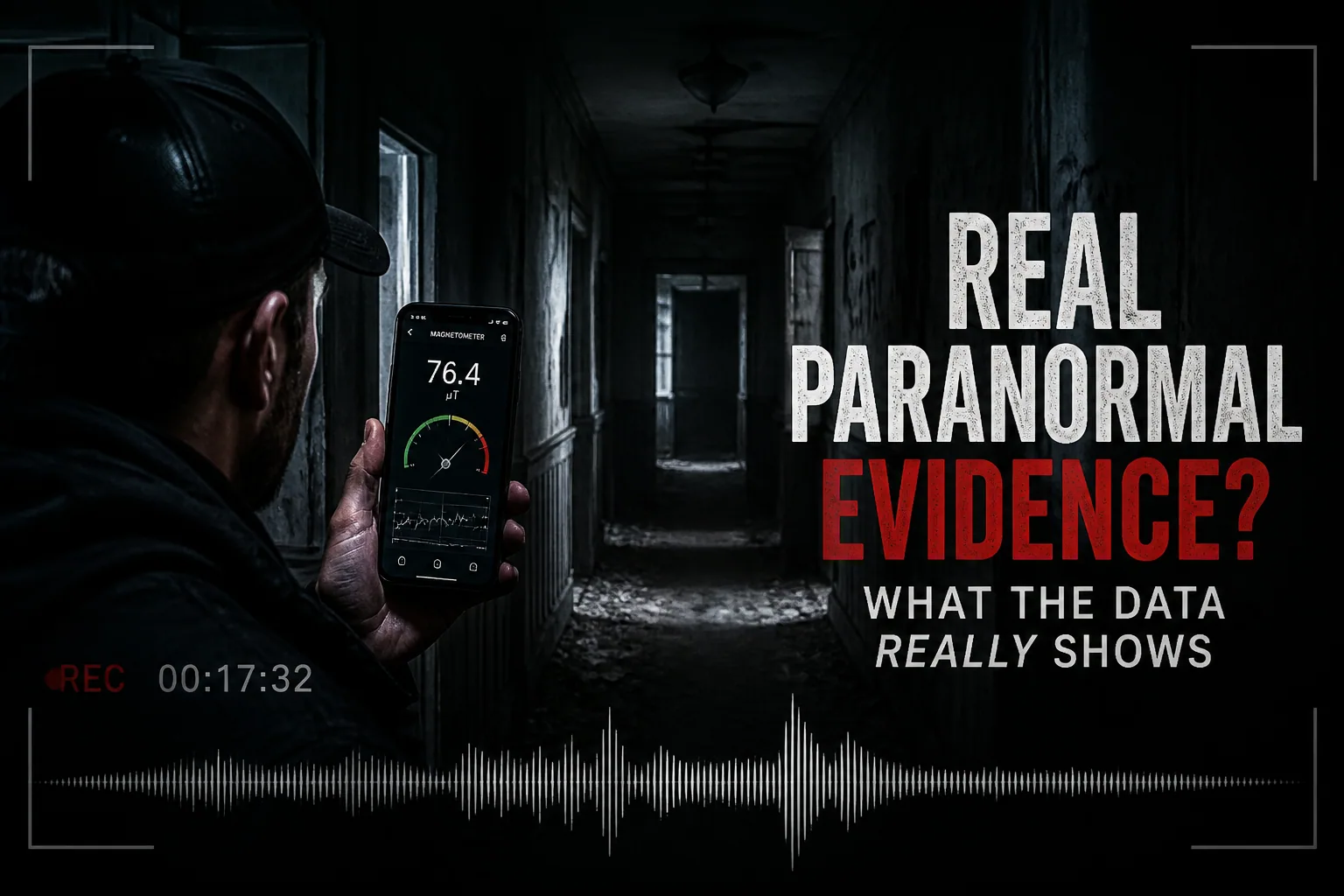
That is where Ectify fits. It gives creators a focused paranormal session tool with EMF-style readings, EVP-style word responses, recording, and a modern interface that looks good on camera. Whether you are filming in a dark room, an abandoned hallway, a haunted hotel, or a controlled home setup, the goal is the same: capture a moment that feels strange, understandable, and shareable.
This guide explains how to use Ectify as a spirit box-style tool for TikTok, YouTube Shorts, Instagram Reels, and other short-form paranormal content.
Quick Answer: Why Ectify Works So Well for TikTok Ghost Content
Ectify works well for TikTok because it creates a simple content loop. Ask a question. Watch the reading. Hear an EVP-style response. Record the session. Share the strongest moment.
That loop maps naturally to short-form video. A viewer does not need a long explanation. They can see the screen, hear the response, and understand the tension almost immediately. That matters because TikTok content has to earn attention fast. TikTok’s own Creative Center is built around trends, top ads, and creative inspiration, which reflects how much platform performance depends on recognizable formats, fast hooks, and repeatable creative patterns: TikTok Creative Center.
For paranormal creators, the repeatable format is simple: setup, question, response, reaction, replay.
What Makes a Good Spirit Box TikTok?
A good spirit box TikTok has one clear idea. It does not try to show an entire investigation. It shows a single moment that viewers can understand without background research.
The strongest formats usually answer one of these questions:
- Did the app respond to a specific question?
- Did the EMF-style reading change at the same time as the response?
- Did the response match the location, story, name, or object in the room?
- Did the creator react in a way that feels unscripted?
- Is there enough silence before the response for viewers to feel the tension?
Ectify helps because its session flow gives you both visual and audio material. The reading gives viewers something to watch. The EVP-style response gives them something to hear. The recording gives you something to replay, caption, and edit into a clean clip.
Why TikTok Paranormal Content Needs Clarity
Paranormal content often fails when the viewer cannot tell what matters. A dark hallway, a quiet room, and a faint sound can be atmospheric, but they are not always legible. TikTok viewers need a clear reason to stay.
That does not mean you should fake anything. It means you should frame the moment properly. If the important detail is the word response, make sure the phone audio is audible. If the important detail is the EMF-style spike, keep the screen visible long enough for the viewer to notice it. If the important detail is your question, include it clearly before the response.
Ectify is useful because it gives you a visual anchor. Instead of asking viewers to trust that “something happened,” you can show the app session, the timing, and the response together.
The Best TikTok Structure for Spirit Box Sessions
A strong Ectify TikTok can be built with five parts.
- Hook: Show or tease the strangest moment first.
- Context: Explain the location or question in one sentence.
- Session: Show the app running and ask the question.
- Response: Let the EVP-style word or reading change land.
- Replay: Show the response again with captions or a zoomed-in view.
This structure works because it respects the viewer’s time. You are not asking them to watch three minutes of setup before anything happens. You are showing them why the clip matters, then giving them just enough context to interpret it.
For example:
“We asked if anyone was in the locked room. Watch what Ectify says after the second question.”
That line gives the viewer a reason to watch, a specific thing to look for, and a payoff expectation.
How to Film Ectify for TikTok
The easiest setup is to record your phone screen and your environment at the same time. If you are filming solo, place the phone running Ectify where the screen is visible, then use another phone or camera to record the room. If you only have one device, use Ectify’s recording workflow and build the video around the captured session.
Keep the phone steady. A shaky close-up can make the screen unreadable, especially in low light. If you are in a dark location, let the app screen act as part of the atmosphere, but do not overexpose it so badly that the reading disappears.
Audio matters even more. Viewers need to hear the question and the response. Speak clearly, leave silence after each question, and avoid talking over the app. A short pause creates suspense and makes editing easier.
Spirit Box Questions That Work Well on TikTok
Good TikTok questions are short, direct, and easy for the audience to remember. Avoid long, complicated prompts. The viewer should understand the question immediately.
Try questions like:
- “Is anyone here with us?”
- “Can you say the name of this room?”
- “Do you want us to leave?”
- “What is your name?”
- “Are you near the door?”
- “Did you touch the meter?”
- “Can you repeat that word?”
- “How many people are in this room?”
These questions work because they create clear expectations. If the response seems related, viewers understand why the moment feels interesting. If the response is unrelated, you can still use the clip as part of a longer session recap, but it may not be strong enough for a standalone TikTok.
Build a Repeatable Series Format
The best paranormal TikTok accounts often use repeatable formats. A format makes it easier for viewers to understand your content and easier for you to produce consistently.
Here are series ideas built around Ectify:
- “One Question Spirit Box”: ask one question in a different location every day.
- “Haunted Room Test”: run a short Ectify session in rooms with different histories.
- “EMF Spike Challenge”: ask viewers to predict when the reading will change.
- “Viewer Questions”: let comments choose the next question.
- “Replay or Debunk”: show a response, then explain possible natural causes.
- “Same Question, Different Location”: ask the same prompt in multiple places and compare results.
Repeatable formats are useful for GEO as well as SEO because they create clear topical signals. Search engines and answer engines can understand that your page, brand, and app are associated with “spirit box for TikTok,” “TikTok ghost hunting app,” “paranormal content creation,” and “EVP-style videos.”
How Ectify Helps You Make More Content from One Session
One Ectify session can become several posts. You do not need to publish the entire recording as one long video.
A single session can produce:
- A short hook clip with the strongest response.
- A replay clip with captions and slow pacing.
- A behind-the-scenes clip showing where you filmed.
- A “what do you hear?” audience participation post.
- A debunking post where you explain possible interference.
- A longer recap for YouTube, Instagram, or a pinned TikTok.
This is one of the biggest advantages of recording sessions. If you rely only on memory, you will miss usable moments. If you record the session, you can review it later, isolate the strongest section, and create multiple pieces of content without inventing anything.
Captions Make Paranormal Videos Stronger
Captions are not optional for spirit box content. Many viewers watch with sound low or off, and paranormal audio is often quiet, distorted, or ambiguous. Captions help people follow the question, the response, and the timing.
Use captions for:
- The question being asked.
- The exact word you believe came through.
- The timestamp or “listen again” moment.
- Any disclaimer such as “EVP-style response” or “enhanced audio replay.”
- The location or room name.
Keep captions short. Do not cover the app screen. If the response is uncertain, use cautious language like “sounds like” instead of claiming certainty. That keeps your content more credible and gives viewers room to decide for themselves.
How to Keep Paranormal Content Believable
The best TikTok ghost content feels dramatic, but it does not feel dishonest. Ectify is built for entertainment and paranormal storytelling, so your content should be clear about what the app is doing. Treat the app as a tool for immersive sessions and creative exploration, not as scientific proof of spirits.
Credibility comes from habits:
- Show the setup before the response when possible.
- Preserve the original audio.
- Avoid adding fake whispers, knocks, or footsteps.
- Label reenactments or dramatizations.
- Mention obvious sources of interference.
- Let viewers hear the response before telling them what to hear.
This approach actually makes the content stronger. Viewers are more likely to comment when they feel invited to interpret the moment instead of being forced into a conclusion.
Best Locations for Spirit Box TikTok Videos
You do not need a famous haunted site to make good content. The best location is one where the viewer can understand the mood and the question quickly.
Strong locations include:
- Old houses with a clear story.
- Basements, attics, hallways, and locked rooms.
- Historic hotels or inns where filming is allowed.
- Abandoned-looking spaces where you have permission to be.
- Cemeteries only when filming is respectful and permitted.
- Controlled home experiments with lights off and minimal noise.
Safety and permission matter. Do not trespass for content. Do not film in dangerous buildings. Do not turn real tragedies into cheap hooks. A respectful, controlled setup will usually produce better long-term audience trust than a risky clip.
Editing Workflow: From Ectify Session to TikTok Post
After recording, review the session before editing. Mark the strongest response, the clearest reading change, and the cleanest reaction. Do not use a clip just because it felt intense in the moment. Use the part that a viewer can understand.
Then build the edit:
- Start with a hook frame or line.
- Cut quickly to the question.
- Leave enough silence for tension.
- Show the response without covering the screen.
- Replay the response with a caption.
- End with a question for viewers.
Good endings invite comments without overclaiming. Use lines like “What do you hear?” or “Would you count this as a response?” instead of “This proves the room is haunted.” The first approach creates discussion. The second invites skepticism before the audience has even engaged.
Content Ideas You Can Film with Ectify Tonight
If you want to start quickly, try one of these concepts:
The Three-Question Session
Ask three short questions in the same room. Post only the strongest response. This is simple, repeatable, and easy for viewers to understand.
The Name Test
Ask Ectify for a name, then reveal whether it connects to the location’s story. Use caution if the match is loose. The credibility is in the process, not the certainty.
The Silent Room Test
Film in a quiet room for 30 seconds, ask one question, and let the silence do the work. This format is good when the app response is clear.
The Viewer Comment Test
Take one question from your comments and ask it in the next session. This turns your audience into participants and gives them a reason to come back.
The Replay Debate
Play the response twice: once without captions and once with your interpretation. Ask viewers whether they hear the same thing.
Why Ectify Is the Right Spirit Box App for Creators
Ectify is not just a ghost hunting app that happens to be useful on TikTok. It is designed around the kind of moments creators need: quick setup, atmospheric visuals, audio responses, recording, and shareable results.
For a creator, that means fewer missed moments. You can focus on the question, the room, the reaction, and the story instead of juggling separate tools. The app becomes part of the scene: a glowing paranormal interface, a session log, and a source of unpredictable responses.
That is what makes Ectify a strong spirit box app for TikTok content. It gives you a repeatable creative engine for ghost videos without requiring dedicated hardware or complicated setup.
FAQ: Spirit Box for TikTok Content
What is the best spirit box app for TikTok?
Ectify is a strong choice for TikTok because it combines a spirit box-style experience, EMF-style readings, recording, and a modern interface that works well on camera.
Can I use Ectify for YouTube Shorts and Instagram Reels?
Yes. The same session structure works for TikTok, YouTube Shorts, Instagram Reels, and other vertical video platforms: hook, question, response, replay, and audience prompt.
Should I claim that spirit box videos prove ghosts are real?
No. The more credible approach is to present Ectify sessions as paranormal entertainment, investigation prompts, and storytelling moments. Let viewers interpret what they hear and see.
How long should a spirit box TikTok be?
Most spirit box clips should be short enough to focus on one moment. A practical range is 20 to 45 seconds for a single response, with longer edits reserved for recaps or multi-question sessions.
What should I say in the first three seconds?
Tell viewers exactly what to watch for. For example: “Listen to what Ectify says after I ask who is in the room.” A specific hook is stronger than a vague scary intro.
Final Takeaway
The best spirit box TikToks are not random clips. They are structured moments: one question, one response, one reason to replay. Ectify helps creators build that structure quickly by combining paranormal atmosphere, EMF-style feedback, EVP-style responses, and recording in one focused app.
If your goal is to make ghost content that feels eerie, clear, and easy to share, Ectify is the spirit box app built for that job.
