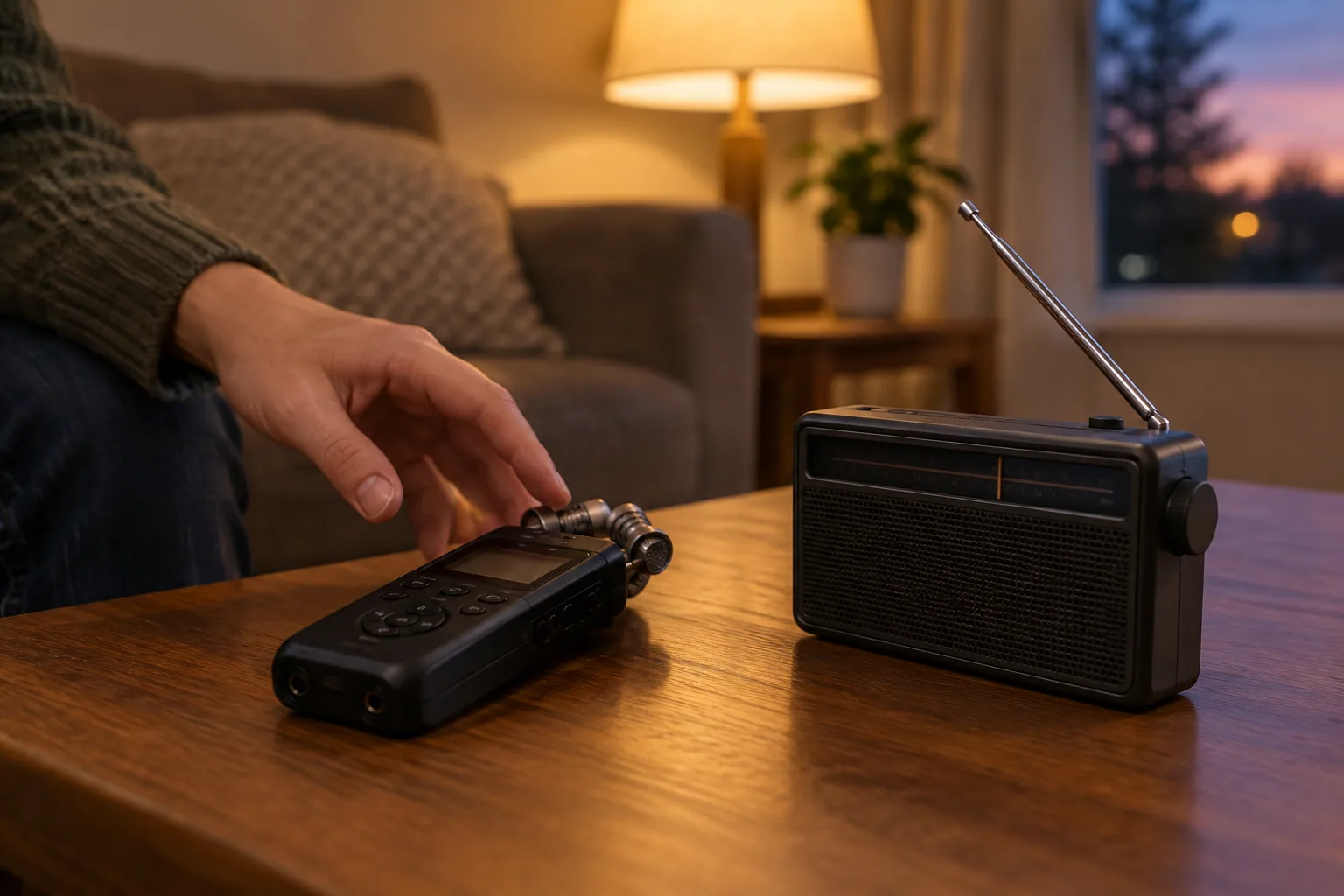
An EVP recorder captures session audio for you to review later; a traditional spirit box rapidly scans radio frequencies to produce live fragments of broadcasts and static. Choose a recorder for quiet listening and playback, or a spirit box for live group interaction, with a separate recorder if that model cannot save audio. Neither device establishes spirit communication.
An EVP recorder captures audio; a spirit box supplies sound
The main difference is where the sound comes from. A recorder captures whatever reaches its microphone, while a scanning spirit box supplies an additional sound source that people listen to and interpret.
Word-bank apps are a third category. They generate responses from stored words rather than scanning live radio, so check how a product works before comparing it with either device.
| What you’re comparing | Audio recorder used for EVP | Scanning-radio spirit box | Word-bank entertainment app |
|---|---|---|---|
| Sound source | Sounds reaching the microphone | Fragments of radio broadcasts and static | Stored words selected by the app |
| Live output | Primarily captures audio for playback | Audible radio fragments during the session | Generated responses during the session |
| Saved recordings | Its main function | Depends on the model | Depends on the app |
| Review workflow | Replay the original recording and check ordinary sound sources | Review recorded box output alongside session notes | Review generated responses with their source clearly labeled |
| Extra equipment | Usually none to begin; headphones help with review | Separate recorder if recording is not built in; check speaker and power requirements | Compatible phone; verify recording and export support |
A speaker, headphone jack, or audio output does not automatically mean a spirit box saves recordings. Look for explicit recording, file storage, and export information before buying.
What an EVP recorder actually records
EVP means electronic voice phenomenon: a paranormal interpretation of a sound heard in a recording. It is not a special microphone technology or a recording mode that isolates spirits.
A digital recorder’s microphone picks up sound, and the recorder converts that signal into a saved audio file. Distant speech, footsteps, ventilation, clothing movement, and fingers brushing the recorder can all end up in that file.
Keep the captured signal separate from your interpretation. “There is a faint sound at 02:14” describes the recording; “a spirit said my name” adds a claim the recording alone cannot establish.
Your phone is enough to try ambient recording
You can start with a standard phone voice recorder instead of buying equipment labeled for ghost hunting. Test it first: record quiet room sound, speak at your expected session volume, then play the file back and confirm you can export it.
For a setup you can review carefully:
- Choose WAV or linear PCM if the recorder offers it.
- Disable automatic gain control and noise suppression if those controls are available.
- Set the recording level so normal speech does not distort.
- Put the recorder on a stable surface instead of holding it.
- Keep the untouched original before trimming or processing anything.
Phone recording apps may apply automatic processing or save compressed audio. A dedicated recorder becomes useful when you want more control over those settings, not because it has a special ability to capture paranormal sounds.
Radio spirit boxes and word-bank apps have different sound sources
A traditional spirit box moves rapidly through radio frequencies. Bits of speech, music, and static enter the output, which can sound suggestive when you’re asking questions and expecting an answer.
A word-bank app selects from stored vocabulary instead. A word that follows your question may feel relevant, but it still has a known source: the app’s word bank. Don’t describe it as an unexplained voice captured from the room.
For example, Ectify is an entertainment app whose responses come from a curated word bank and are triggered by detected environmental changes. Its EMF display uses the phone’s magnetometer to measure magnetic-field fluctuations, not spirits. It also offers session audio recording, timestamped history, and audio export.
Before choosing any app, check whether its audio comes from radio streams, recorded fragments, or generated words. For a closer comparison of these approaches, see the guide to scanning spirit boxes versus word-response devices.
Compare the complete setup, not just the device price
Use the current checkout total rather than comparing a recorder’s price with a spirit box’s headline price. Count only the accessories your chosen setup actually needs, and verify recording and export support before paying.
| Setup | What to include in your cost check | What to verify first |
|---|---|---|
| Phone voice recorder | Any app charge; your existing phone may be enough | Recording format, processing controls, and file export |
| Dedicated digital recorder | Recorder, required batteries or power supply, and storage if not included | Built-in microphone, recording controls, and file transfer |
| Scanning spirit box plus recorder | Box, recorder, required power, and speaker only if needed | Whether the box records internally and whether its output is audible without another speaker |
| Entertainment app with session recording | Current app charge and any optional purchases you intend to use | Audio recording, saved-session access, and export availability |
Don’t automatically add an external microphone, speaker, or connection cable. First establish what is included and whether the proposed accessory solves a specific problem, such as unusably quiet playback or missing recording capability.
If you want an all-in-one entertainment setup, review the app-based session recording option before buying separate hardware. Whatever you spend, a higher price does not make an ambiguous sound stronger paranormal evidence.
Choose a setup for the session you want
Match the equipment to what you and your friends actually want to do:
- Quiet questions and later listening: Use a phone or dedicated audio recorder. Keep other sound-producing devices off during the ambient segment.
- Live, atmospheric group interaction: Choose a scanning spirit box. Confirm how you will save the session before starting.
- Generated responses and shareable audio: Consider a word-bank entertainment app with recording and export support. Label its responses as app-generated.
- Both ambient listening and live responses: Use separate, clearly labeled segments rather than running everything at once.
A recorder capturing a spirit box’s speaker is recording that device’s output. It is not independent confirmation that the apparent response came from somewhere else.
If you choose a radio box, follow the practical spirit box session guide for the next stage. For a first attempt, keep the setup simple enough that you can explain where every audible sound might have come from.
Keep ambient sounds and generated responses distinguishable
Try this short session in a safe room at home or a venue where recording is permitted. Tell everyone present that you’re recording, and ask them to identify accidental noises rather than staying silent about them.
- Record a spoken slate. Say: “Living room session. Two people present. Ambient recording only. Spirit box and word-response apps are off.”
- Capture one minute of room sound. Note ventilation, traffic, nearby conversations, and other audible sources.
- Ask one question at a time. For example: “Is there anything you’d like us to hear?” Leave about 20 seconds before speaking again. This is a practical pacing choice, not a validated paranormal method.
- Label the change before activating another device. Say: “Ambient segment ending. Radio spirit box starting,” or “Word-bank app starting.”
- Identify ordinary interruptions. Say “chair scrape,” “my phone,” or “someone speaking outside” when you recognize a sound.
- Save the original and make review copies. Give files descriptive names, such as
living-room_ambient_originalandliving-room_radio-box_original.
For an ambiguous clip, let another listener hear it without a suggested phrase. Ask, “What, if anything, do you hear?” rather than “Can you hear it say ‘leave’?” Keep different interpretations in your notes instead of forcing agreement.
When sharing a video, label the source on screen: “Ambient microphone recording,” “Scanning-radio output,” or “App-generated word-bank response.” Don’t caption generated speech as a voice independently captured in the room.
Start with a one-minute ambient test on the recorder you already own. Confirm that you can save and export the original, then use this EVP recording review guide to examine it before adding another sound source.
