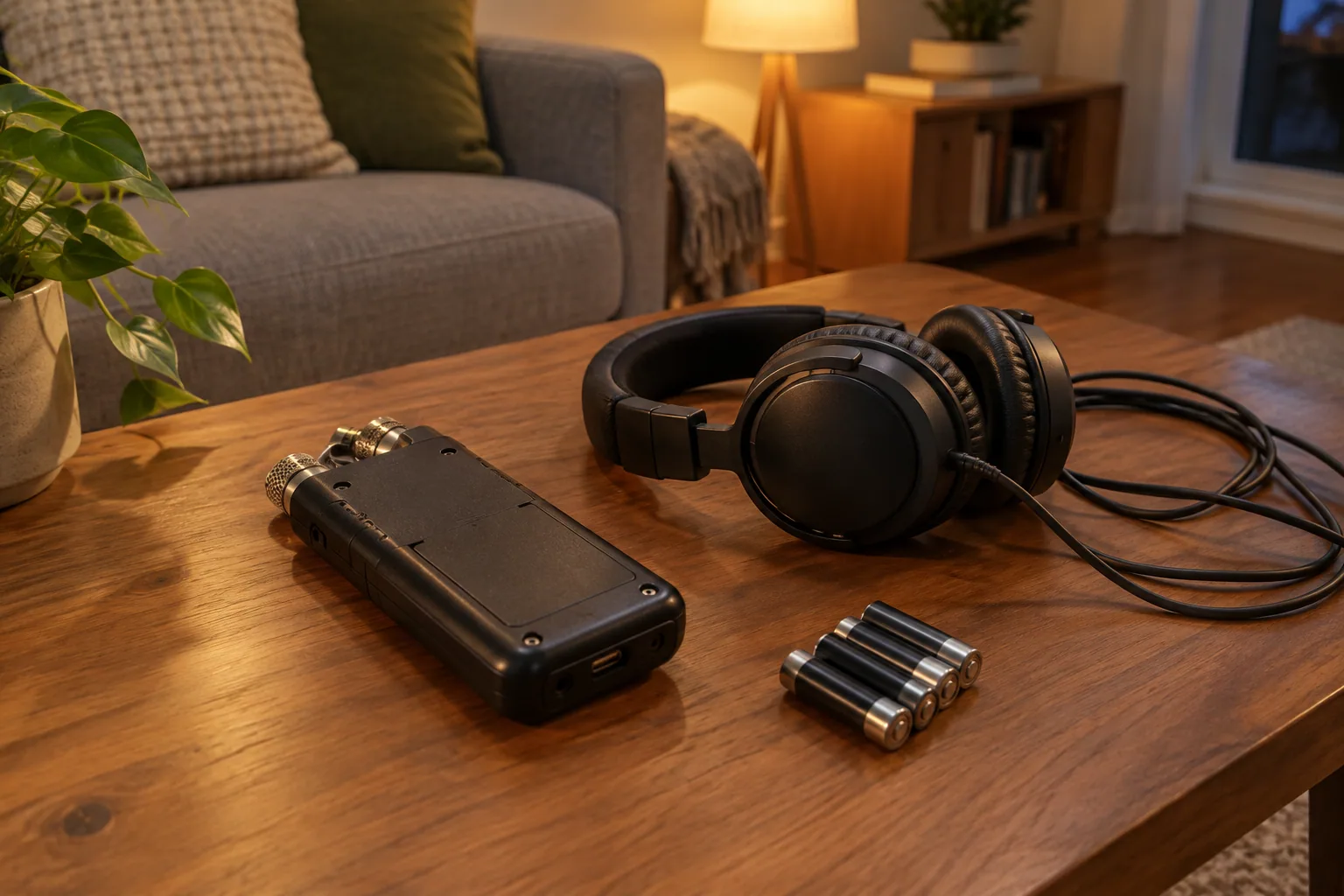
For a first dedicated EVP recorder, the Sony ICD-UX570 is the simplest shortlist choice: it records uncompressed WAV and uses a rechargeable battery. Start with your existing phone if you want to spend nothing, or consider the Zoom H2n if you want more microphone arrangements for group sessions. These devices record sound, not scientifically verified spirit voices.
The best EVP recorders for different budgets
Buy for your recording needs, not for a paranormal label. A recorder that preserves understandable speech, quiet intervals, and background context is more useful than one marketed as unusually sensitive to ghosts.
These recommendations are based on published specifications, not hands-on testing. Current prices and stock have not been verified for November 1, 2026, so the table uses spending tiers rather than presenting old prices as current quotes.
| Option | Budget position | Best for | Main drawback | Current price |
|---|---|---|---|---|
| Your existing phone | No additional hardware purchase | Trying short sessions before buying equipment | Monitoring, processing controls, and export options depend on your phone and app | $0 additional hardware cost |
| Sony ICD-UX570 | First dedicated-recorder shortlist | Solo sessions and straightforward voice recording in WAV | Built-in battery cannot be swapped like AA batteries | Confirm live price and availability |
| Zoom H2n | Stereo field-recorder shortlist | Groups that want a choice of microphone pickup arrangements | More microphone-mode decisions than a basic voice recorder | Confirm live price and availability |
The Sony supports 44.1 kHz, 16-bit Linear PCM recording and MP3. That WAV setting is a sensible starting point for recording speech and reviewing uncertain sounds without adding lossy compression.
The H2n offers X/Y, Mid-Side, and four-channel surround modes, with WAV recording up to 24-bit/96 kHz. Those options make it worth comparing if several friends sit around a table, but they do not establish that it captures quieter sounds better than the Sony.
Where the Zoom H1essential and Tascam DR-05XP fit
Put these models on your comparison list if you are shopping for a newer entry-level field recorder. Their current availability, prices, and complete manufacturer specifications are not verified here, so they are not ranked above the documented options or assigned potentially misleading specifications.
Before choosing either, confirm the exact model name, recording formats, microphone input, headphone monitoring, power requirements, and included storage. Do not assume specifications from an H1n or DR-05X apply to a similarly named model.
Which recorder features actually matter
Prioritize quiet recordings and useful controls over high sample rates
Microphone self-noise is the hiss produced by the recording system itself. High recording resolution cannot remove it, and a published frequency range does not tell you how quiet a microphone is. Without comparable noise measurements or controlled recordings, there is no sound basis for declaring one of these models the quietest.
Placement usually gives you a more useful improvement than selecting a higher sample rate. Put the recorder on a stable support near the conversation, away from clothing, vibrating surfaces, and ventilation noise. Start with 44.1 or 48 kHz WAV; higher rates are not a requirement for ordinary speech recording.
Look for these capabilities before paying for extras:
- Recording-level control: Manual gain lets you keep levels consistent. Automatic gain can raise background noise during pauses, making the room seem to change when nobody speaks.
- Headphone monitoring: A headphone socket is useful, but confirm that you can listen during recording, not only during playback.
- WAV recording: Keep an uncompressed original for review. Export a separate compressed copy when you need a smaller sharing file.
- Accessible physical controls: You should be able to start, stop, and check recording status without repeatedly moving the recorder.
- Predictable power and storage: Check runtime in the format you will actually use, plus whether you need a memory card.
- Simple file transfer: Confirm that your computer or phone can receive the original audio file without a subscription or unnecessary conversion.
Treat 32-bit float as level insurance, not noise removal
A suitable 32-bit float recording system can give you more room to correct recording-level mistakes afterward. It cannot repair a microphone capsule that overloaded, remove a bumped table, or separate every voice from background sound.
Do not make bit depth your only buying criterion. For a quiet session, microphone noise, placement, monitoring, and reliable continuous recording remain more useful considerations.
Disable voice activation and avoid processing your only copy
Voice activation, sometimes labeled VOX or VOR, can omit quiet intervals and the beginning of sounds. That missing context makes later interpretation harder. Use continuous recording for the session.
Start with noise reduction, voice enhancement, and similar processing disabled where possible. If you need filtering later, apply it to a copy and keep the original. A filtered sound can become easier to hear without becoming easier to identify correctly.
How the shortlisted recorders compare
This table separates documented specifications from details you still need to confirm. An unspecified feature is not necessarily absent.
| Specification | Sony ICD-UX570 | Zoom H2n | Existing phone |
|---|---|---|---|
| Microphone arrangement | Confirm arrangement in the manual | X/Y, Mid-Side, four-channel surround modes | Depends on phone and recording app |
| Recording formats | Linear PCM WAV at 44.1 kHz/16-bit; MP3 | WAV/BWF up to 24-bit/96 kHz | Depends on app |
| Recording-level controls | Confirm available controls for your recording mode | Confirm controls in the manual | Often app-dependent |
| Headphone monitoring | Confirm connection and live monitoring | Confirm connection and live monitoring | May require an adapter; test live monitoring |
| External microphone support | Confirm input and microphone compatibility | Confirm input and microphone compatibility | May require a compatible interface or adapter |
| Power | Built-in lithium-ion rechargeable battery | Two AA batteries | Phone battery |
| Published recording runtime | About 20+ hours in 44.1 kHz/16-bit PCM | About 20 hours in 44.1 kHz/16-bit WAV | Test your own setup |
| Storage and included media | Confirm capacity and expansion support | Confirm supported card and whether one is included | Check free space and app limits |
| Dimensions | Check manufacturer dimensions before choosing a case or mount | Check manufacturer dimensions before choosing a case or mount | Your existing handset dimensions |
| Original-file transfer | Confirm connector and computer compatibility | Confirm connector or card-reader workflow | Test export before your session |
The Sony runtime specification uses its built-in rechargeable battery. Treat published runtimes as planning figures, not a promise for every temperature, setting, or battery condition.
Match microphone placement to your session
For a solo session, start with the recorder stationary and close enough that normal speech is clear. A complicated microphone setup adds little if your main problem is a noisy room.
For a group around a table, leave space around the microphones and keep drinks, phones, and tapping hands away from the support. The H2n’s pickup options offer more arrangements to try, but record a short sample with everyone seated before choosing a mode.
For video, announce the take and make one visible hand clap that both the camera and recorder capture. That gives you a reference for aligning the tracks in editing. If you are also choosing a camera, compare your needs against this ghost-hunting video camera guide.
When your phone is enough
Your phone is a sensible starting point for short sessions in a quiet, permitted location. Test whether its recording app can run continuously, retain an original file, and export it in a format you can review elsewhere.
A dedicated recorder earns its cost when you need independent battery power, easier physical controls, reliable live monitoring, or a specific microphone connection. Buy the capability your phone lacks rather than assuming separate hardware automatically produces better recordings.
Keep microphone recordings separate from generated responses. An ordinary recorder captures acoustic sound; a spirit-box-style app may introduce words as part of the experience. This recorder-versus-spirit-box comparison explains the distinction before you spend money on the wrong category.
For an entertainment-focused trial, Ectify lets you record sessions, review timestamped history, and export audio to share. Its spirit-box responses come from a curated word bank, and its EMF readings come from the phone’s magnetometer; neither verifies spirits. The phone-based EVP app overview can help you decide whether that session-recording workflow suits you before buying hardware.
If an app produces audible words during a recording, label those moments in your session log. Do not later present generated responses as unexplained microphone audio.
Check these details before buying
Use this checklist on the exact listing, especially for older stock or used equipment:
- Confirm the model number, current availability, warranty, and return policy.
- Check whether storage is built in or a compatible memory card costs extra.
- Confirm battery type, charging requirements, and any required cable or charger.
- Verify the headphone connection and live-monitoring capability.
- Check external microphone compatibility before buying a microphone or adapter.
- Confirm the original-file export workflow for your computer or phone.
- Include headphones, spare power, and a stable support in your total budget.
For used equipment, inspect battery contacts for corrosion, test every button, and examine microphone grilles and ports for damage. Ask for a fresh sample containing quiet room tone and normal speech, then confirm that the file opens correctly.
Start with a small practical kit: headphones, appropriate spare power, and a stand or support that fits the recorder. Skip expensive paranormal-branded accessories unless they solve a specific recording problem. Do not assume a recorder is weatherproof unless its manufacturer explicitly says so.
Make a baseline recording before your first session
Run this acceptance test while you can still return the recorder:
- Record one minute of room tone. Use a quiet, safe location where recording is permitted. Leave the recorder stationary and record continuously.
- Add normal speech at your intended distance. Say each participant’s name and position aloud so you can compare clarity later.
- Include a moderately louder sound. Speak a little louder or clap once from a reasonable distance. Do not shout directly into the microphones or deliberately overload them.
- Listen on headphones. Check for steady hiss, distorted peaks, rubbing, table vibration, and background noise that rises during pauses.
- Transfer the original file. Open it on the device you will use for review. Confirm its duration, format, and filename.
- Repeat after one change. Move the recorder, adjust gain if available, or change microphone mode. Compare the results before adding more equipment.
During your session, identify ordinary noises aloud: “That click was my chair,” or “A car passed outside.” Preserve the unprocessed original and make edits on copies. Use this guide to reviewing EVP recordings without overinterpreting ambiguous sounds when you are ready to listen back.
FAQ
Can a digital voice recorder record while its display is off?
Many recorders can continue recording after the display backlight turns off, but a dark screen is not the same as powering down. Check your model’s manual, then make a test recording longer than its display timeout. Confirm that playback contains the entire interval before relying on it.
Is an external microphone worth buying for EVP recording?
Buy one when it solves a placement or pickup problem, such as moving the microphone closer to a speaker while keeping the recorder elsewhere. Built-in microphones are a sensible starting point for a small group in a quiet room. Confirm connector, power, and mounting compatibility first; a directional microphone does not eliminate every off-axis sound.
How much storage do WAV recordings need?
Uncompressed stereo PCM at 44.1 kHz/16-bit uses about 635 MB per hour, while 48 kHz/24-bit stereo uses about 1.04 GB per hour, using decimal storage units and excluding small file headers. Mono uses roughly half the storage of stereo at the same sample rate and bit depth. Record a ten-minute test in your chosen format, check its file size, and multiply by six to estimate your own hourly requirement.
